

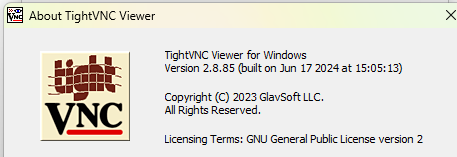
Also, what version of TightVNC to you use?
I haven’t performed any configuration. When the Verdin iMX95 is running the Toradex Easy Installer, Windows should recognize it as a USB-NCM network device. You can ping it at IP address 192.168.11.1 and use a VNC client to access the Toradex Easy Installer GUI using the same IP address.
Do i have to use 192.168.11.1? I have a conflict with this IP address. I have configured it to 192.168.11.21.
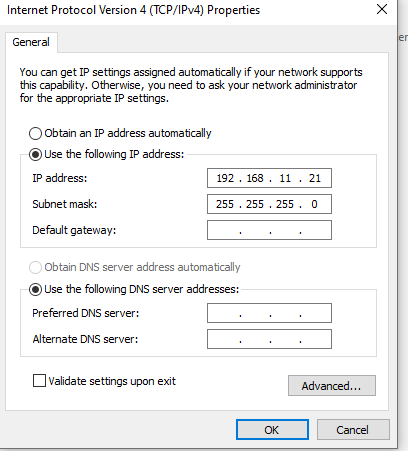
It’s OK — that’s the Windows machine’s IP. But the Mallow board’s IP is 192.168.11.1
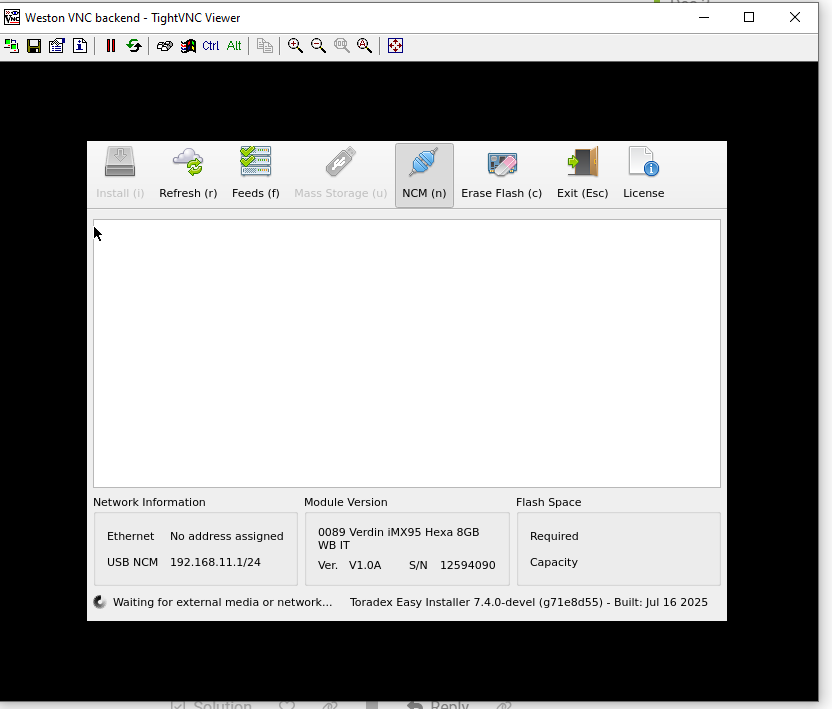
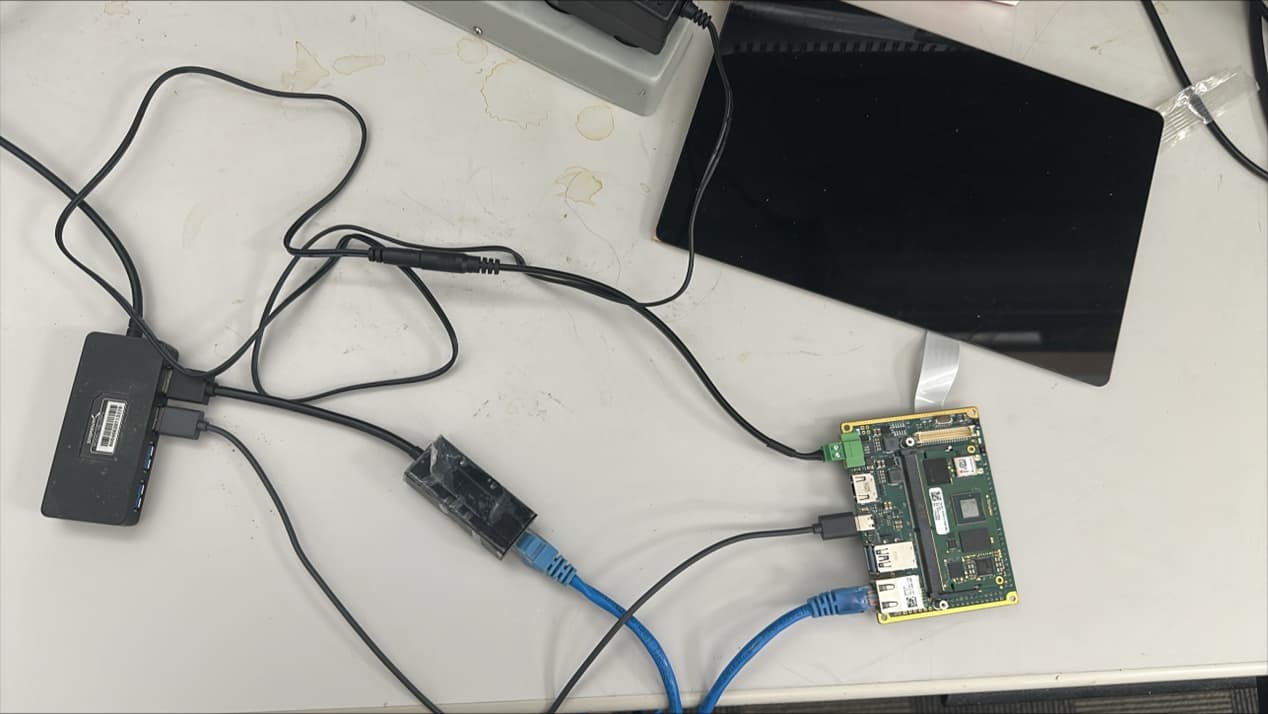
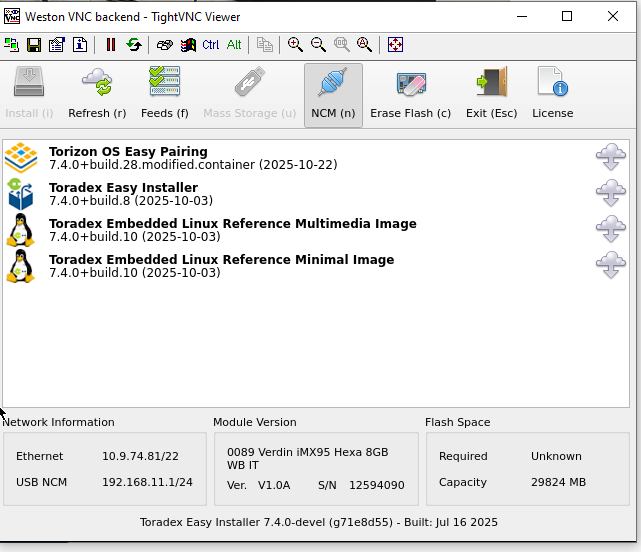
I flashed the Toradex Embedded Linux Reference Multimedia Image. Now I can ssh into the board! Thanks for your help.
But if I want to re-flash, how do I do that? Now the Toradex Easy Installer is no longer flashed, so I can’t use TightVNC to connect and reflash.
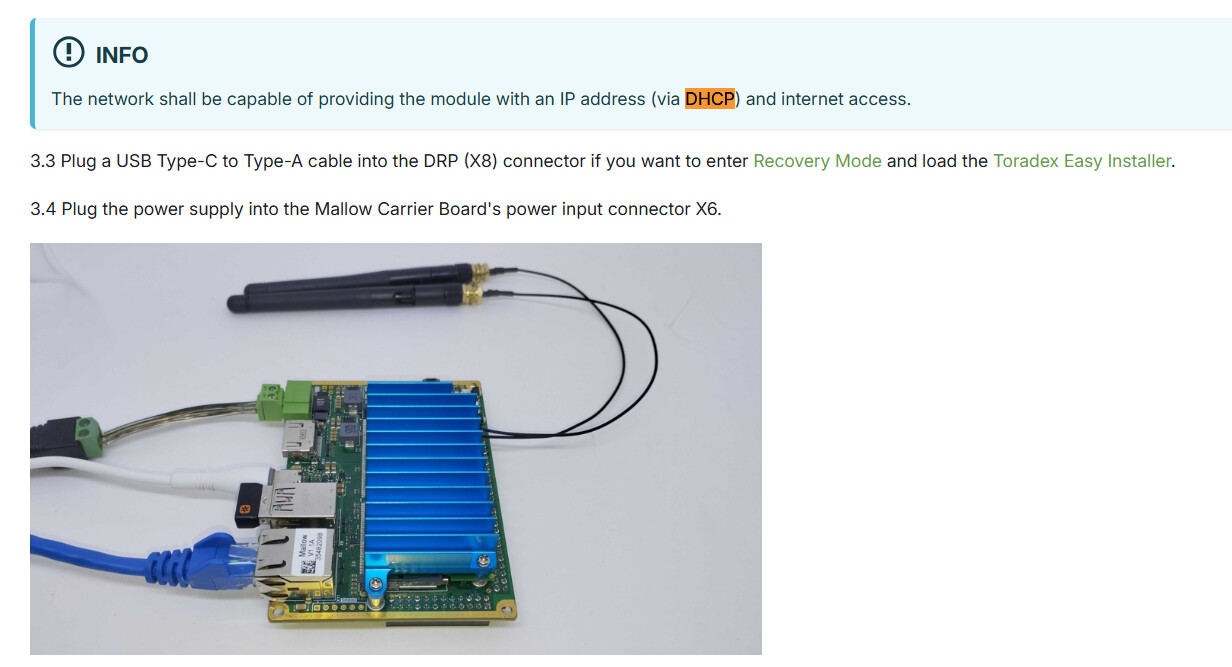
Put module into recovery mode. Then load the Toradex Easy Installer over USB, When the Toradex Easy Installer boots, it configures the port as RNDIS so you can access the Easy Installer GUI using VNC.