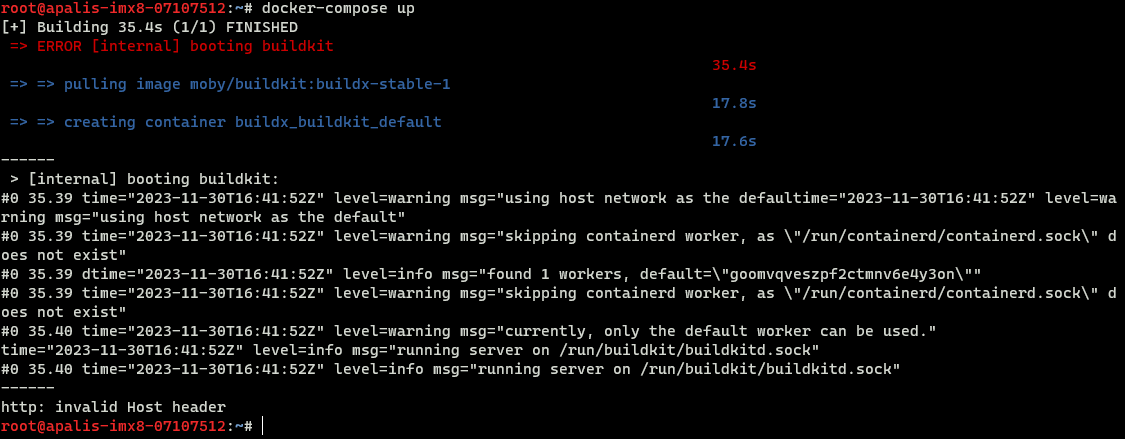
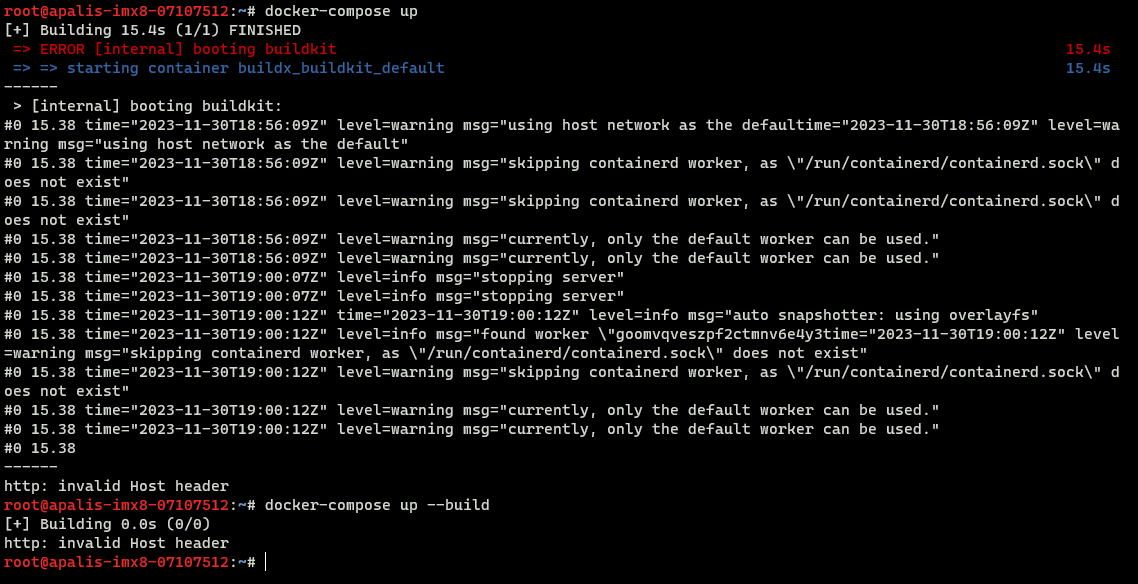
I am using the most recent Kirkstone 6.4.x version of TorizonCore on an Apalis IMX8 device. Running the docker-compose up command produces the following error message regardless of what is being built.
We would like to have docker compose working to deploy applications with it OTA. Individual investigation suggests this error may be related to a bug in the specific docker version that comes with TorizonCore 6. Any suggestions on how to resolve error? I have built TorizonCore with Yocto before. How would one go bumping up the Docker version?
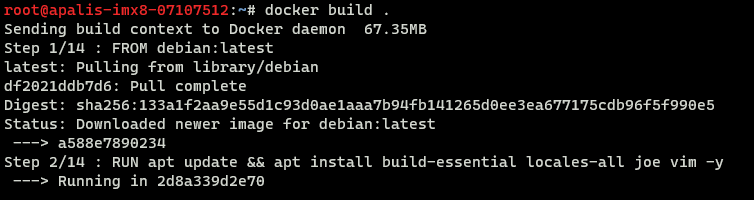
As for the image, I am fetching FROM debian:latest. Trying to build the image with docker build . yields a http timeout error. It seems the issue is with http. I was able to pull and build the image previously. Any ideas on what to try?
It looks like there is a discrepancy between how the docker build . and docker-compose up
are building. And the issue is related to the buildkit. A workaround for now would be to avoid using the buildkit until we find a solution. (This process has been started).
DOCKER_BUILDKIT=0 docker-compose up
Will this work in the meantime?
***edit
Our docker-compose has been updated to 2.20.3, but right now this is only in our recent nightly Torizon OS builds. So if updating to a new nightly works for you, this issue should be resolved.
Excellent! Using DOCKER_BUILDKIT=0 docker-compose up is a successful workaround. For evaluation purposes, this work around will suffice for now.
I flashed the nightly build for Torizoncore (6.5.0-devel-20231130+build.447) and observe the same “http: invalid Host header” issue. Maybe I am using the wrong release.
Regardless, this temporary fix works for our purposes. Thank you Eric for your quick support.
I flashed the nightly build for Torizoncore (6.5.0-devel-20231130+build.447) and observe the same “http: invalid Host header” issue. Maybe I am using the wrong release.
Strange for me on this exact same release it works: