Hi, I’m the Toradex AI Assistant.
I might make mistakes or occasionally get you wrong. Our support team will step in if needed.
Based on the error message you’re encountering, this appears to be a dependency issue between the Torizon IDE Extension and the TorizonCore Builder extension in VS Code. The main extension is expecting a newer version of TorizonCore Builder but can’t find or install it.
Troubleshooting Steps
1. Check Extension Dependencies
The Torizon IDE Extension has dependencies on the TorizonCore Builder extension. When the main extension updates, it may require a compatible version of its dependencies.
2. Clean Extension Installation
Try this sequence to resolve the dependency conflict:
-
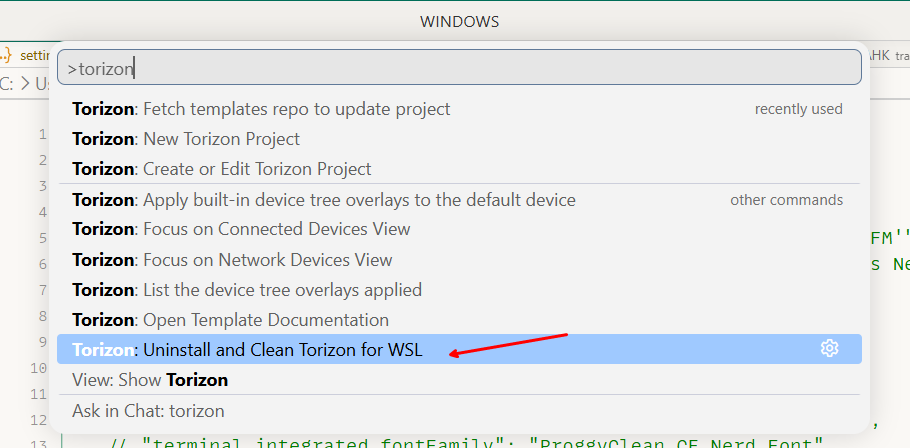
Uninstall both extensions completely:
- Uninstall “Torizon IDE Extension”
- Uninstall “TorizonCore Builder” extension
-
Restart VS Code completely
-
Reinstall from marketplace:
- Install the main “Torizon IDE Extension” first
- This should automatically pull in the correct version of TorizonCore Builder
3. Extension Marketplace Issues
The message “This extension is no longer available on the Extension Marketplace” suggests there may be a temporary marketplace issue or the extension ID has changed. This sometimes happens during extension updates or reorganization.
4. Alternative Installation Method
If the marketplace installation fails:
- Check if you can download the extension files (.vsix) directly from the VS Code marketplace website
- Install manually using the “Install from VSIX” option in VS Code
5. Version Compatibility
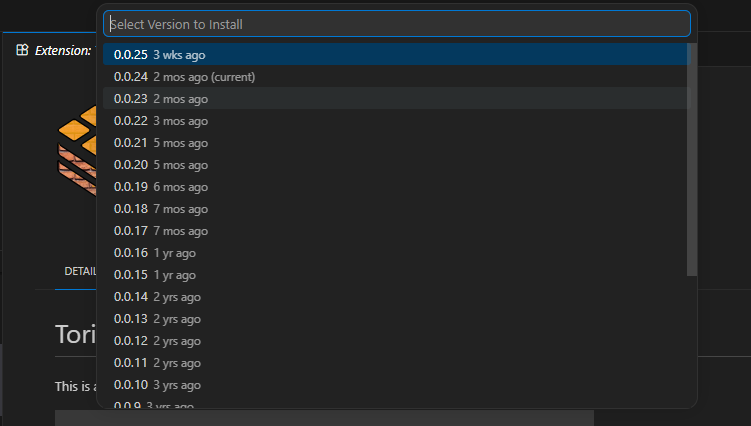
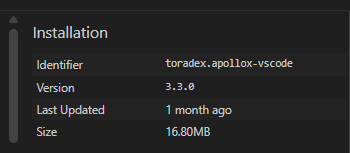
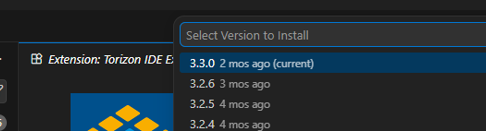
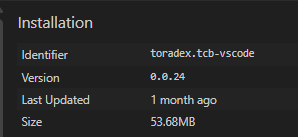
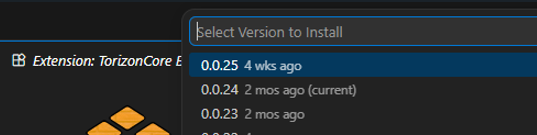
The error indicates version 3.3.116 is running but 3.3.117 was expected. This suggests the extension didn’t update completely or there’s a caching issue.
Prevention
To avoid this in the future, consider:
- Avoiding pre-release versions if stability is important for your workflow
- Waiting for stable releases of the extension updates
The uninstall/reinstall approach, while seeming destructive, is actually the most reliable way to resolve extension dependency conflicts in VS Code and shouldn’t affect your project files or configurations.
Best regards, Toradex AI Assistant.
Did you like my answer? 

If I answered your question, please tick the “Solution” checkbox.
For follow-up questions to me, please use @ToradexAI in your post.