I’m seeing a weird issue with the easy-installer on the colibri iMX6S. After getting them into an odd state, I loaded the latest version of the Toradex Easy Installer, “v7.4.0+build.8 realease date 2025-10-03”, across the USB interface using a windows platform and the recovery process. I short the pads on the module, reset, run the windows .bat script to load the installer, and everything seems to work fine. The device loads and U-Boot (U-Boot 2020.07-5.7.5+git.4baed786463e (Feb 08 2024 - 08:54:56 +0000)) runs normally. However, upon the next reset or power cycle, nothing boots up and the only message I’m seeing is:
Industrial temperature grade DDR3 timings, 32bit bus width.
Trying to boot from MMC1
I might make mistakes or occasionally get you wrong. Our support team will step in if needed.
I’d be glad to help! Could you let me know which OS and version you are using? To get detailed information about your specific setup, please run the tdx-info command on your device. You can find more information about this tool at https://developer.toradex.com/software/development-resources/tdx-info/.
The issue you’re describing - where the Easy Installer loads successfully via recovery mode but fails to boot after a power cycle - suggests there may be a problem with the bootloader installation or the internal storage. However, to provide accurate troubleshooting steps, I need to understand:
Which specific OS and version you’re planning to install
Your carrier board setup
The exact hardware configuration you’re working with
This information will help me provide the most relevant guidance for your Colibri iMX6S setup.
Best regards, Toradex AI Assistant.
Did you like my answer?
If I answered your question, please tick the “Solution” checkbox.
For follow-up questions to me, please use @ToradexAI in your post.
When you load the Toradex Easy Installer using the recovery mechanism, it is loaded into RAM only. If you do not flash an OS image or the Toradex Easy Installer itself, then after a reboot the module will return to the same state it was in before TEZI was loaded.
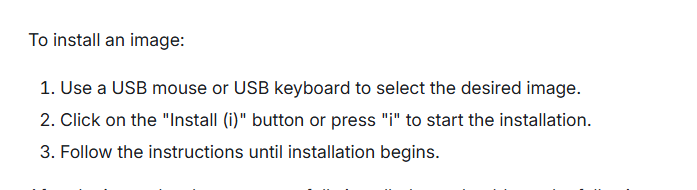
Are there directions for flashing an OS image with the easy installer from and SD card across a serial interface after the easy installer kernal boots? With our current platform, the serial interface and an SD card are the only ways I can load an image.
Absolutely. SD cards are fully supported. TEZI automatically scans all connected storage media—including both USB drives and SD cards—to locate compatible images.
That doesn’t seem to be occurring. Is there a particular way the files on the SD card must be structured?
Currently we have them structured to be loaded from the U-Boot rather than the linux kernal. We interrupt the boot (hence the need for the restart) and run commands to flash from there.
I extracted Colibri-iMX6_Boot2Qt-Image-Tezi_1.0 onto an SD card, went through the recover-reload through easy installer, made sure the SD card was present before bootup, and easy installer booted up, but it still doesn’t seem to be doing anything. Should the varius .imx and .sh files be on the top level of the SD card?
I interpreted your earlier post to mean that TEZI is supposed to automatically find a Linux image on an SD carde and automatically install it to run on the next power cycle. Is that not what’s supposed to happen?
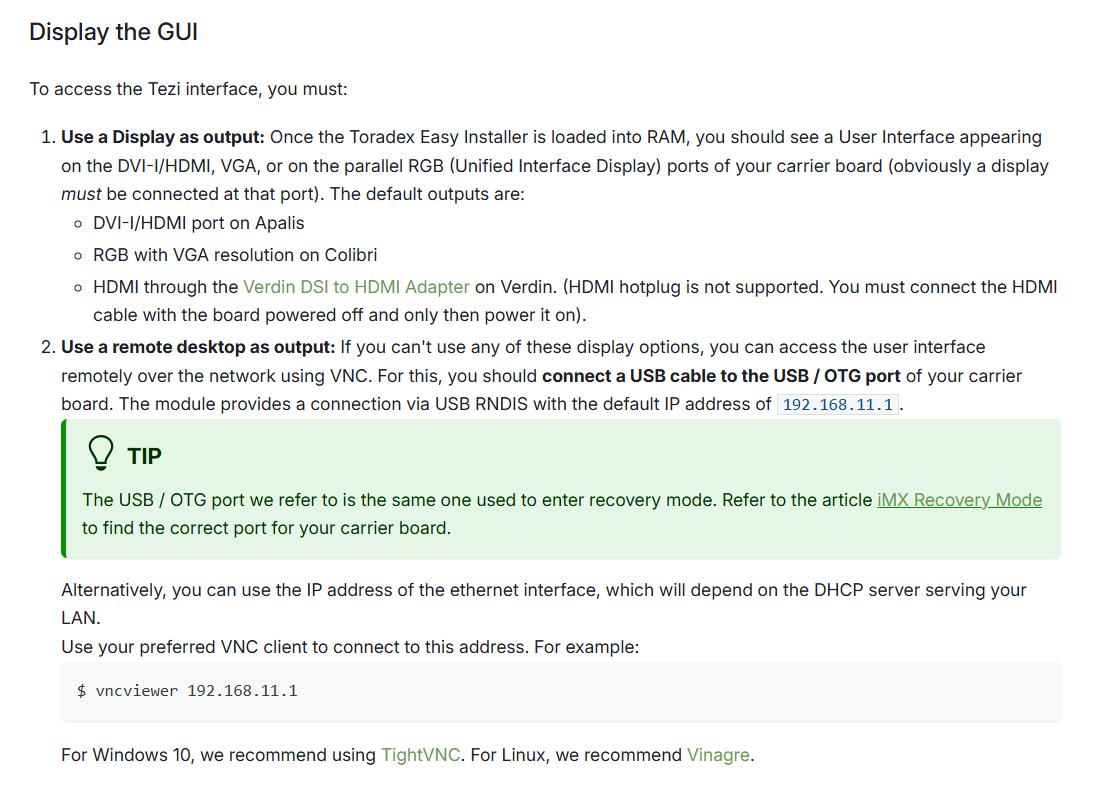
The remote desktop sounds like a bit of a rabbit hole that I’d have to go into.
Going through the documentation on the Easy Installer, it seems to indicate that the u_boot_env in the JSON is what is needed to get it to write an image, but I can’t find any additional guidance or demos on how that is supposed to be structured. Is there a separate page for that?
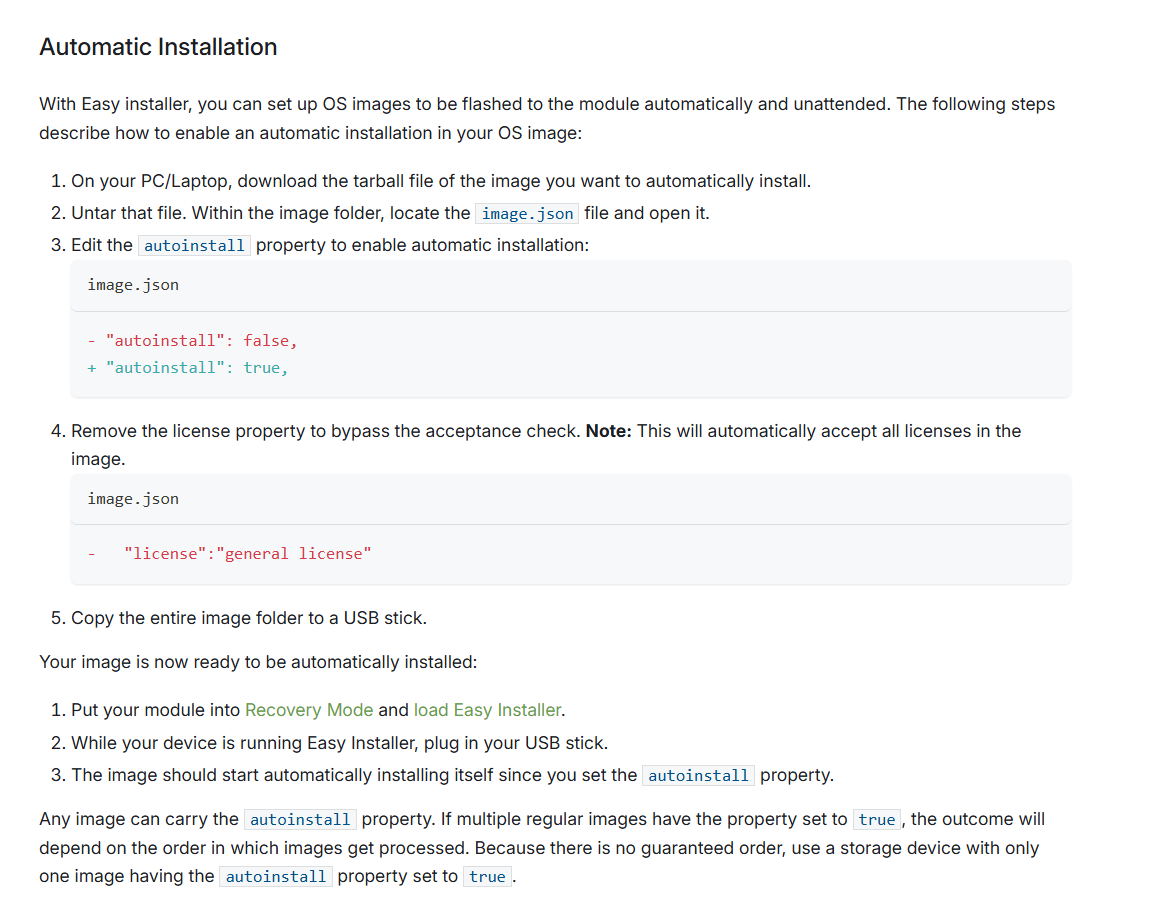
I’ve modified the image.json file to set “autoinstall” : true and removed the license line. I then place the entire structure onto an SD card, recover to the Easy Installer, wait until the boot is complete (I see the “~ #” prompt), and then plug in the SD card. And nothing seems to be happening. I also tried with a USB drive as well and nothing is happening. Are there commands I can use to make Easy Installer write the image?
The best way to monitor TEZI’s activity is through its graphical user interface (GUI). Alternatively, you can inspect the tezi.log file. I don’t recall its exact location, but you can use the find command to locate it. Also starting from TEZI v.5.6.0 the command line utility is included for controlling the Easy Installer.
There does not appear to be a tezi.log file present anywhere in the TEZI file after boot.
So if I’m understanding the ctl option correctly, TEZI doesn’t seem to have native commands across it’s serial interface for writing an image. So I’ll have to get the code from git-hub, build a windows version of the app, which then interfaces with TEZI though ethernet (I think??) then connect to the app from an HTTP connection, and then I can use it’s commands?
No that tools should be run on Colibri module itself. Starting with TEZI v5.6.0, the command line utility is included in the TEZI image. While you can still get the source code from GitHub and build the application yourself, it is not necessary