I’m reaching out to confirm whether the Verdin iMX8 Mini running Torizon OS supports CODESYS soft licensing (soft container) for the CODESYS Control runtime.
I’ve successfully run the CODESYS Partner Demo Container on the device, and it works properly — however, it only operates in demo mode and requires a reboot every two hours.
To move beyond the demo limitation, I have purchased a CODESYS Control Standard License along with the Visualization and Communication options directly from the CODESYS Store.
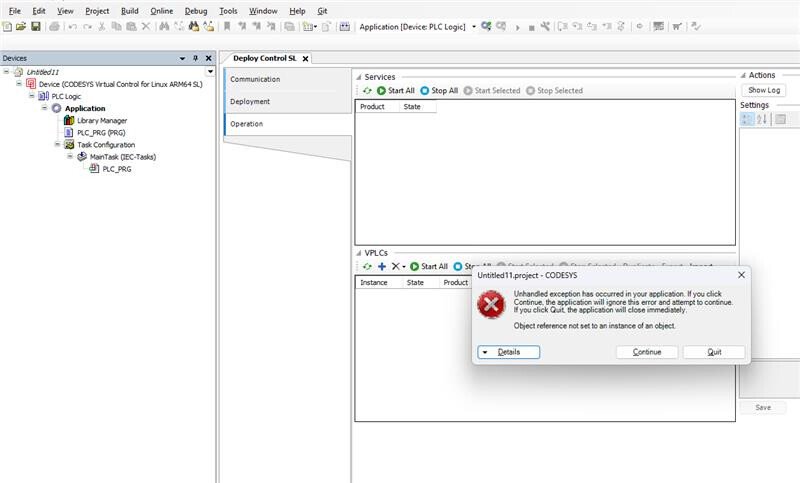
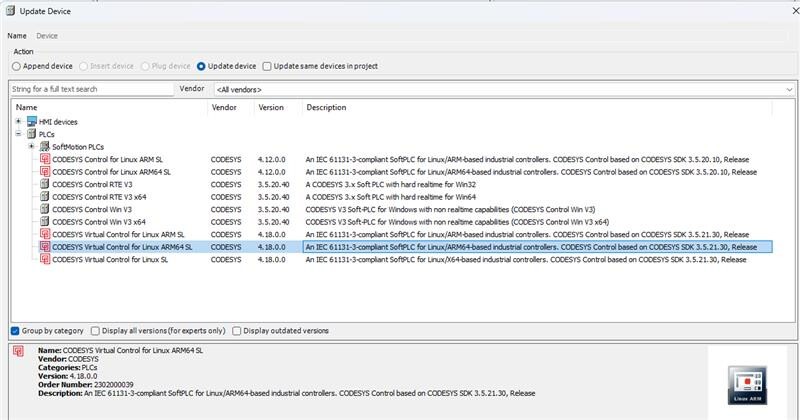
When I attempt to activate the license via the CODESYS License Manager (selecting Target → Soft Container), I receive an error stating “no license container available.”
Our CODESYS distributor suspects this may be related to the hardware not supporting soft licensing natively.
Could you please confirm:
Whether the Verdin iMX8 Mini supports CODESYS soft licensing on Torizon OS.
If not, what are the recommended alternatives — e.g., license server, or specific container configuration.
Whether any additional setup steps, runtime versions, or partner agreements are required to enable full licensing on Torizon.
System details:
Hardware: Toradex Verdin iMX8M Mini
OS: Torizon OS (Docker-based)
Runtime: CODESYS Control for Linux SL (from Partner Demo Container)
Use case: Industrial control and edge automation testing
Thank you for your assistance — any guidance or documentation on enabling the permanent CODESYS license on this platform would be greatly appreciated.
I might make mistakes or occasionally get you wrong. Our support team will step in if needed.
CODESYS Soft Licensing on Verdin iMX8M Mini
Hardware Compatibility
The Verdin iMX8M Mini is confirmed as a supported module for the CODESYS Partner Demo Container (1). The documentation lists Verdin iMX8M Mini among the supported Computer on Modules (1).
Demo Container Limitations
You’re correct about the demo container limitations. The CODESYS runtime provided in the Partner Demo Container is specifically meant for demonstration purposes and has a limited time to run of 2 hours from the start of the container(1).
Licensing Requirements
For full CODESYS licensing beyond the demo limitations, the documentation directs users to contact Toradex’s partners for licensing (1):
Based on the available documentation, I recommend:
Contact the official CODESYS partners mentioned above, as they specialize in CODESYS licensing for Toradex hardware
Verify soft container support with CODESYS GmbH directly, as they can provide specific guidance on soft licensing compatibility with Torizon OS
Explore license server alternatives if soft container licensing isn’t supported on this platform
Platform Requirements
The documentation notes that for full performance, CODESYS requires the Linux kernel with the PREEMPT_RT patch applied and configured to be fully preemptive(1). While you can run the container using the default Torizon OS without PREEMPT_RT for evaluation, optimal performance may require the PREEMPT_RT version.
The specific licensing configuration and soft container support details would be best addressed by the CODESYS partners who have expertise in both the licensing system and Toradex hardware integration.
Best regards, Toradex AI Assistant.
Did you like my answer?
If I answered your question, please tick the “Solution” checkbox.
For follow-up questions to me, please use @ToradexAI in your post.
I callled the the codesys and they told me:
The issue appears to be a hardware related one, yes you have a valid license, but the specific question is does the hardware you have support “soft licensing”.
As the hardware is not a product we are a distributor for or have knowledge of, we are unable to definitively answer whether or not your hardware supports a soft container for the license. But in the simplest terms, not all hardware supports soft containers without additional hardware such as the use of a license dongle. Judging from the specificity of the error message you have shared this is the most likely scenario.
The suggested next actionable step to rectifying this would be for you to reach out directly to the vendor/ manufacturer of your specific hardware and ask them if they support soft containers for licenses or what is required to allow this.
Just to give an update. It appears that Codesys has changed the mechanism and process regarding how the licenses work for their product. Our documentation was written for the older/previous process.
We’ll most likely need to get in contact and discuss this with Codesys to best figure out how license integration should be approached now. I hope this isn’t a time urgent topic for you, as it may take some time to have this discussion and act on it.
Thank you for the update. I appreciate the information and will wait for your input regarding Codesys.
It would be really helpful if we could get assistance sooner, as we are currently in the testing stage and need to reboot the device every two hours, which is slowing down our work.
Could you specify what exactly in the documentation does not work? What step or procedure failed exactly, and how did it fail exactly. Otherwise it’s difficult for us to examine further.
I am following the new TargetVisu container article step-by-step on a Verdin iMX8MM running Torizon OS 7.x.
The board is air-gapped (no Docker Hub / apt access).
I have already:
copied the three .deb packages to the module
torizon@verdin-imx8mm-07201697:~/codesys$ ls
Dockerfile.targetvisu codemeter-lite_8.40.7120.501_arm64.deb codesysvisualization_visualizationarm64_4.16.0.0_arm64.deb targetvisu-entry.sh
Dockerfile.weston codesyscontrol_linuxarm64_4.18.0.0_arm64.deb docker-compose.yml weston-xutils-entry.sh
the dpkg -i --force-all step exits with the errors shown below (full build log attached).
Key excerpt:
dpkg: dependency problems, but configuring anyway as you requested:
 codesysvisualization depends on libqt6core6:arm64 | libqt6core6t64:arm64 …
 codesysvisualization depends on libqt6gui6:arm64 …
 codesysvisualization depends on libqt6widgets6:arm64 …
 codesysvisualization depends on libqt6network6:arm64 …
 codesysvisualization depends on libqt6svg6:arm64 …
 codesysvisualization depends on libqt6webenginecore6:arm64 …
 codesysvisualization depends on libqt6webenginewidgets6:arm64 …
 codesysvisualization depends on xfce | kde | gnome | xinit | openbox | lxde …
[ERROR] Could not determine home directory. Please install this program with sudo.
dpkg: error processing package codesysvisualization (--install):
 installed codesysvisualization package post-installation script subprocess returned error exit status 1
The same happens for codemeter-lite because procps is missing.
Request
Could Toradex either:
Provide a pre-built TargetVisu image that already contains the runtime + Qt6 deps, or
Publish a .tar archive with the required Qt6 / procps packages for offline install, or
Supply a Dockerfile that works completely offline with the packages already present in the chromium image?
I can provide the full build log and exact Dockerfile if needed.
Thanks for any guidance!
Just to clarify, you can’t build the container image described in the documentation because your Toradex device is air-gapped?
Is it possible for you to build this container image on your PC (which I assume is not air-gapped), then transfer the built container image to the Toradex device?
switched the TargetVisu Dockerfile to the same torizon/chromium:2 base image
Why are you using tag 2 here? Tag 4 is what should be used for Torizon OS 7.X.
Thanks for the clarification. cat /etc/os-release showed TorizonCore 6.2.0-build.2, so we were still on the 6.x line—that is why only tag-2 images existed on the module and every attempt to pull the tag-4 bases (qt6-wayland-examples-imx8:4, chromium:4) timed out with “no route to host”.
On the PC the same pull hung: I left docker build -t weston-xutils:latest -f Dockerfile.weston . (which sets ARG IMAGE_TAG=4) running for 30 min and nothing happened.
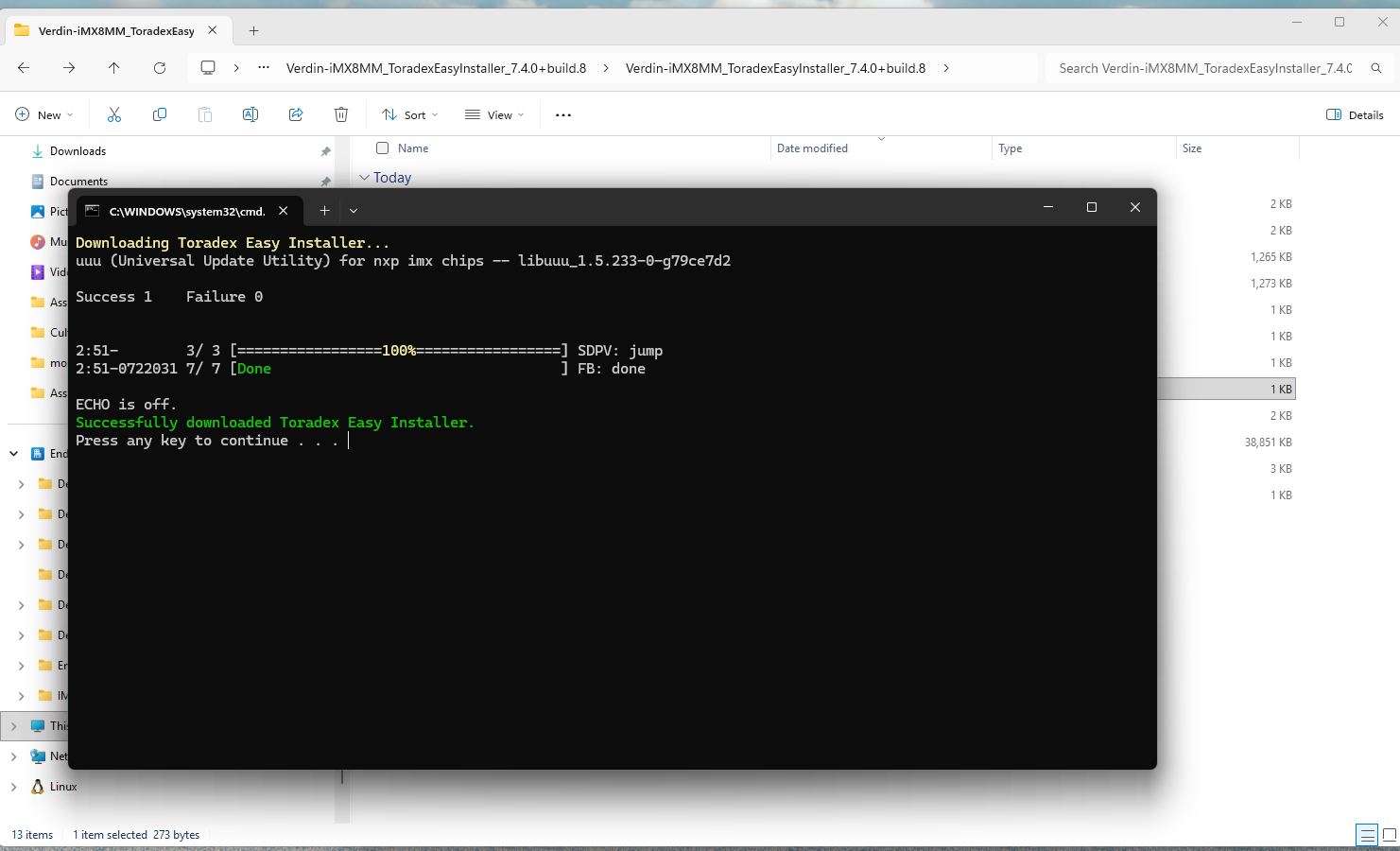
I have now flashed the latest Torizon OS 7.x image via Toradex Easy Installer (download & flash reported 100 % complete).
Oh you are on a very old version of Torizon OS. These instructions were written specifically for the latest version. This could explain some of the problems you were having.
is why only tag-2 images existed on the module and every attempt to pull the tag-4 bases
Also to be clear 2 tags are not for 6.X either. 3 tags is what is meant for 6.X.
On the PC the same pull hung: I left docker build -t weston-xutils:latest -f Dockerfile.weston . (which sets ARG IMAGE_TAG=4) running for 30 min and nothing happened.
Does your host PC not have access to Dockerhub? Can you perform a docker pull hello-world?
After reboot the module responds to SSH, but nothing appears on the monitor—the screen stays black.
What display do you have? What specific Torizon OS image did you flash? Can you confirm the OS is running via serial debug or SSH?