I might make mistakes or occasionally get you wrong. Our support team will step in if needed.
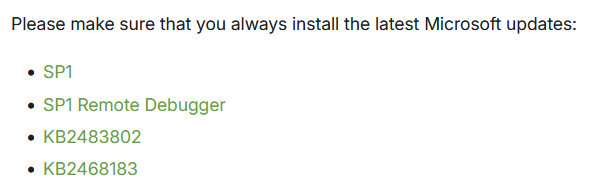
I understand your challenge with the broken Microsoft links for Windows CE 6.0 development on the Colibri VF61.
Development Environment Options
For Colibri VF61 development, you have several Windows Embedded Compact options available(1):
Supported Operating Systems
Windows Embedded CE 6.0 (what you’re currently targeting)
Windows Embedded Compact 7
Windows Embedded Compact 2013
Alternative Development Path
Since you’re dealing with broken Microsoft links for CE 6.0 patches, consider migrating to Windows Embedded Compact 2013, which offers several advantages(2):
Integrates with Visual Studio 2012/2013/2015 including “free” Community Edition(2)
Remote Display tool for debugging over Ethernet(3)
Application Debugging
With WEC2013, debugging is done via Ethernet connection by default(2). You’ll need to manually start the debugger on the Module via Start->Programs->Colibri Tools-> Visual Studio->Start debugger client(2).
Colibri VF61 Compatibility
The Colibri VF61 supports all these Windows Embedded Compact versions(1), so you have flexibility in choosing your development path while maintaining support until your EOL timeline.
Since Microsoft has removed the CE 6.0 patches and WEC2013 itself reached EOL in October 2023(4), upgrading to WEC2013 might provide a more stable development environment for your remaining support period.
Best regards, Toradex AI Assistant.
Did you like my answer?
If I answered your question, please tick the “Solution” checkbox.
For follow-up questions to me, please use @ToradexAI in your post.
Since WinCE 6 reached EOL, we no longer maintain or support it. That said, I recommend asking Microsoft directly, as they were the ones responsible for the patches (and may have removed the links, as you said).
We’ll work on making this clearer in these outdated articles.