I’ve been setting up the Aquila iMX95 with a clover V1.0B carrier, and found the second ethernet interface isn’t coming up. Is this a known issue? I have tried both on the scarthgap and walnascar torizon builds, and the scarthgap reference images (quarterly and nightly). I’m definitely using the clover dtb.
I might make mistakes or occasionally get you wrong. Our support team will step in if needed.
Second Ethernet Port Configuration on Aquila iMX95 with Clover Carrier
The Aquila iMX95 provides two Ethernet ports with different configurations (1). The first port is a 10/100/1000 Mbit media-dependent interface (MDI) with an on-module Texas Instruments DP83867 Ethernet PHY that includes Time-Sensitive Networking (TSN) capabilities (1). The second port is a gigabit media-independent interface (RGMII) available on the module’s board-to-board connector pins, supporting connection to an external Ethernet PHY (1).
Clover Carrier Board Ethernet Implementation
The Clover Carrier Board implements the second Ethernet interface using a DP83867ISRGZ 10/100/1000 Mbps Ethernet PHY connected to the ETH_2_XGMII interface of the module (2). This PHY is configured at MDIO address 0x04, with autonegotiation enabled and a 2ns RX clock skew applied for optimal timing alignment (2).
Default Configuration Issue
According to the Aquila iMX95 datasheet, the NXP i.MX 95 SoC’s second Ethernet interface connection (ENET2) can alternatively function as an I²S (I2S1) interface (1). In the Aquila standard configuration, ENET2 is assigned by default to operate as I2S1 (1). This means the second Ethernet MAC signals are configured as I²S interface signals rather than Ethernet signals (1).
The following signals are configured for I²S operation by default (1):
B20: I2S_1_BCLK (Bit clock serial continuous clock)
B21: I2S_1_SYNC (Frame sync for channel alignment)
B22: I2S_1_D_OUT (Serial Data Output line)
B23: I2S_1_D_IN (Serial Data Input line)
B24: I2S_1_MCLK (Master clock for synchronization)
The remaining ENET2 interface signals are configured as general-purpose I/Os (GPIOs) (1).
Resolution
To enable the second Ethernet port on the Clover carrier board, you would need to modify the device tree configuration to:
Disable the I²S1 interface configuration
Enable the ENET2 interface for Ethernet operation
Configure the appropriate RGMII signals for the external PHY connection
This requires custom device tree modifications since the default Aquila configuration prioritizes I²S functionality over the second Ethernet interface.
Best regards, Toradex AI Assistant.
Did you like my answer?
If I answered your question, please tick the “Solution” checkbox.
For follow-up questions to me, please use @ToradexAI in your post.
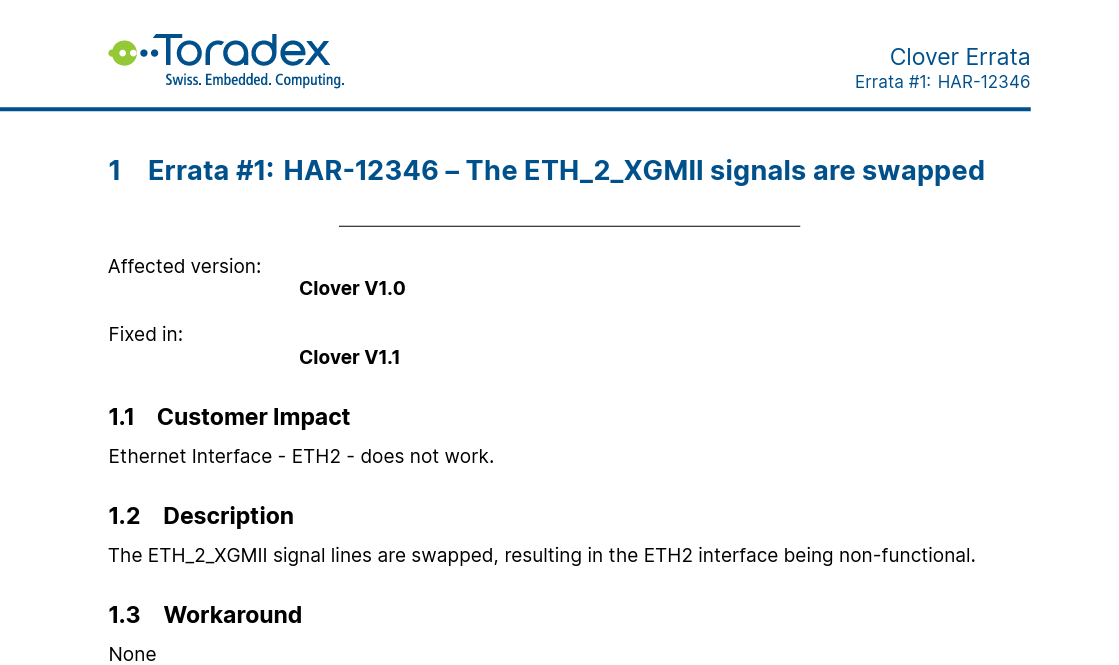
I saw this errata but I was under the impression the V1.0B had it solved since we don’t see the issue on the AM69A. If this is indeed the case, when is the clover V1.1 going to be available?