

Hi @rania !
I see you have pixii_app_gps.service on plymouth-quit.service. This might cause the issue you are getting. It depends on what the service does.
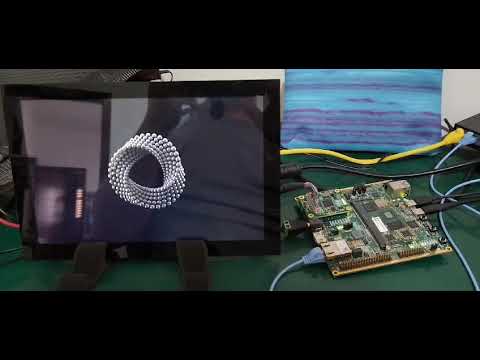
I tried a bit more on my side and the following video is my result. Please note that the red solid background is Weston, which I deliberately configured this way to understand when it was starting.
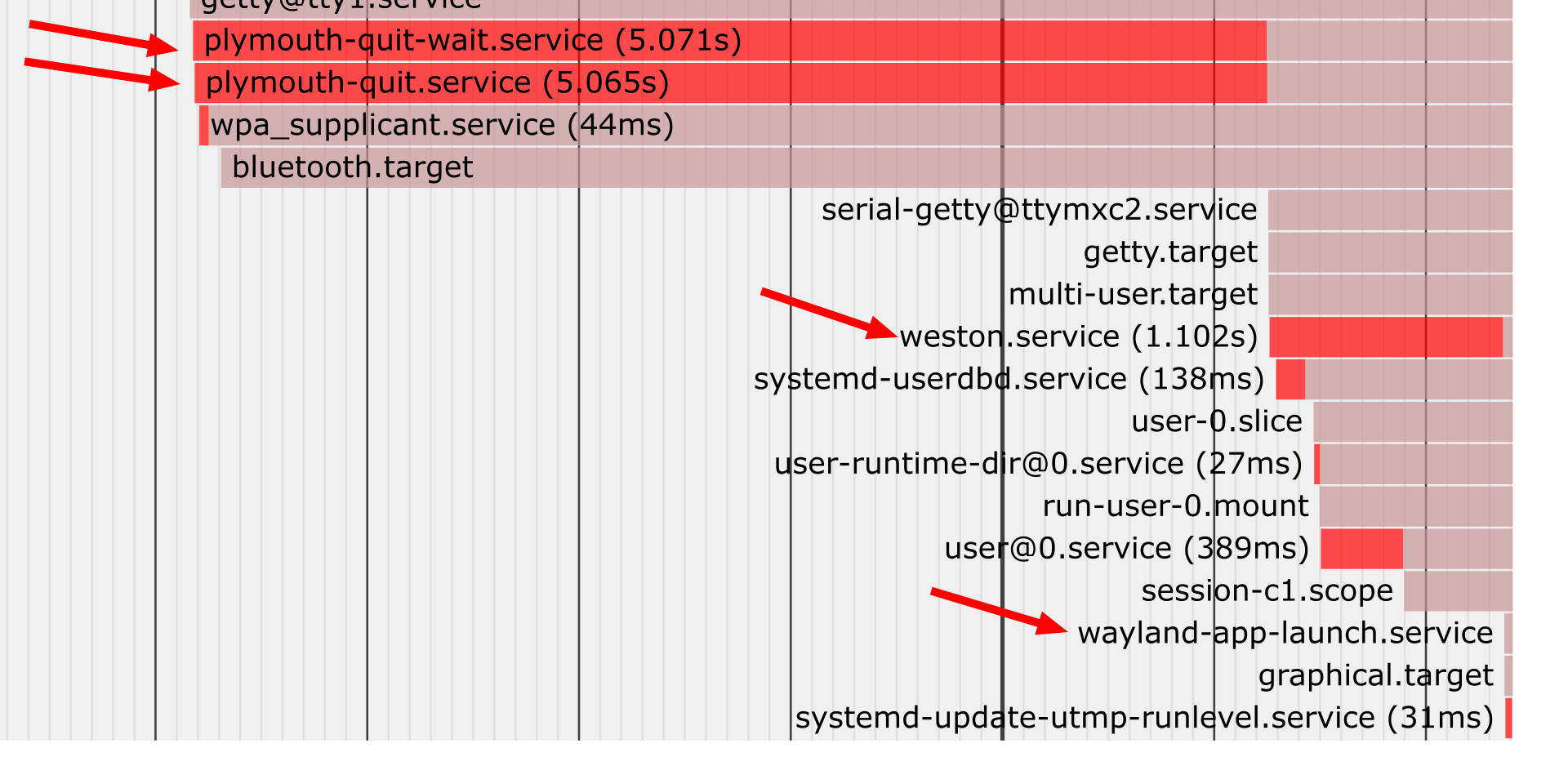
In the beginning of the video I release the reset button so the module starts booting. The screen remains black until plymouth is loaded. It respects my sleep 5 (see plymouth-quit.service below) then there is a slight black screen and Weston comes up (red screen). Right after that the Qt Cinematic application starts.
And this is the related bootchart:
Here are the related files and configuration (besides adding plymouth to the image when building on Yocto).
- U-boot environment variable:
setup=setenv setupargs quiet logo.nologo vt.global_cursor_default=0 plymouth.ignore-serial-consoles splash fbcon=map:1
plymouth-quit.service
[Unit]
Description=Terminate Plymouth Boot Screen
After=rc-local.service plymouth-start.service systemd-user-sessions.service

[Service]
ExecStartPre=sleep 5
ExecStart=-/bin/plymouth quit --retain-splash
Type=oneshot
RemainAfterExit=yes
TimeoutSec=20
plymouth-quit-wait.service
[Unit]
Description=Hold until boot process finishes up
After=rc-local.service plymouth-start.service systemd-user-sessions.service

[Service]
ExecStart=-/bin/plymouth --wait
Type=oneshot
RemainAfterExit=yes
TimeoutSec=0
wayland-app-launch.service
[Unit]
Description=Start a wayland application
After=weston.service
Requires=weston.service

[Service]
Type=simple
User=root
PAMName=login
Environment=WAYLAND_DISPLAY=/run/wayland-0
Environment=QT_QPA_PLATFORM=wayland-egl
ExecStart=/usr/share/cinematicexperience-1.0/Qt5_CinematicExperience --fullscreen
Restart=on-failure
RestartSec=1

[Install]
WantedBy=graphical.target
weston.service
# This is a system unit for launching Weston with auto-login as the
# user configured here.
#
# Weston must be built with systemd support, and your weston.ini must load
# the plugin systemd-notify.so.
[Unit]
Description=Weston, a Wayland compositor, as a system service
Documentation=man:weston(1) man:weston.ini(5)
Documentation=http://wayland.freedesktop.org/

# Make sure we are started after logins are permitted.
Requires=systemd-user-sessions.service
After=systemd-user-sessions.service

# D-Bus is necessary for contacting logind. Logind is required.
Wants=dbus.socket
After=dbus.socket plymouth-quit.service

# Ensure the socket is present
Requires=weston.socket

# Since we are part of the graphical session, make sure we are started before
# it is complete.
Before=graphical.target

# Prevent starting on systems without virtual consoles, Weston requires one
# for now.
ConditionPathExists=/dev/tty0

[Service]
# Requires systemd-notify.so Weston plugin.
Type=notify
EnvironmentFile=/etc/default/weston
ExecStart=/usr/bin/weston --modules=systemd-notify.so

# Optional watchdog setup
#TimeoutStartSec=60
#WatchdogSec=20

# The user to run Weston as.
User=root
Group=root

# Make sure the working directory is the users home directory
WorkingDirectory=/home/weston

# Set up a full user session for the user, required by Weston.
PAMName=weston-autologin

# A virtual terminal is needed.
TTYPath=/dev/tty7
TTYReset=yes
TTYVHangup=yes
TTYVTDisallocate=yes

# Fail to start if not controlling the tty.
StandardInput=tty-fail
StandardOutput=journal
StandardError=journal

# Log this user with utmp, letting it show up with commands 'w' and 'who'.
UtmpIdentifier=tty7
UtmpMode=user

[Install]
# Note: If you only want weston to start on-demand, remove this line with a
# service drop file
WantedBy=graphical.target
Please note that there is nothing specific about Toradex modules here. This is simply Systemd/services configuration that you need to customize for your specific use case.
Best regards,